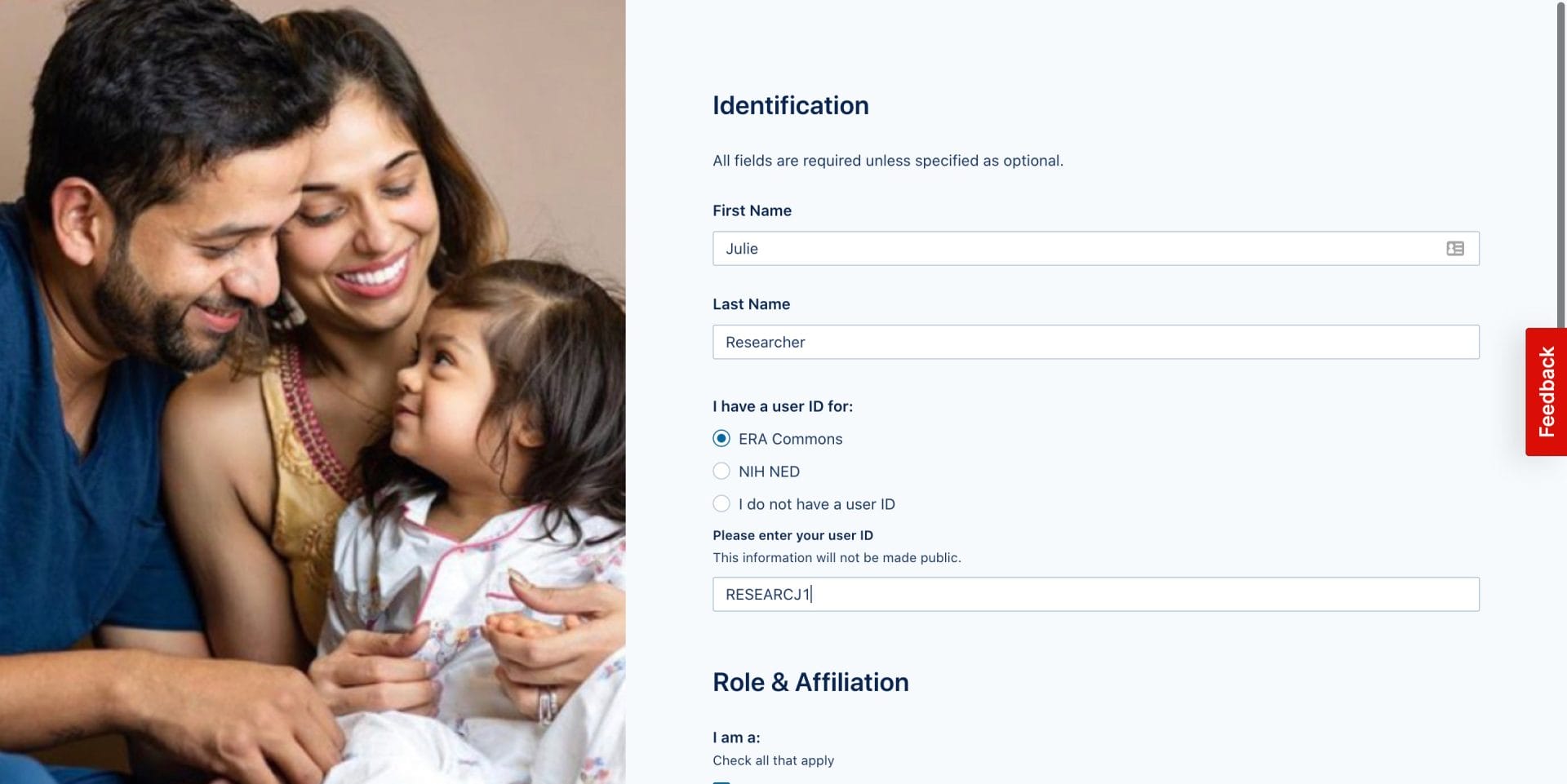

The INCLUDE Data Hub can be accessed by visiting https://portal.includedcc.org.
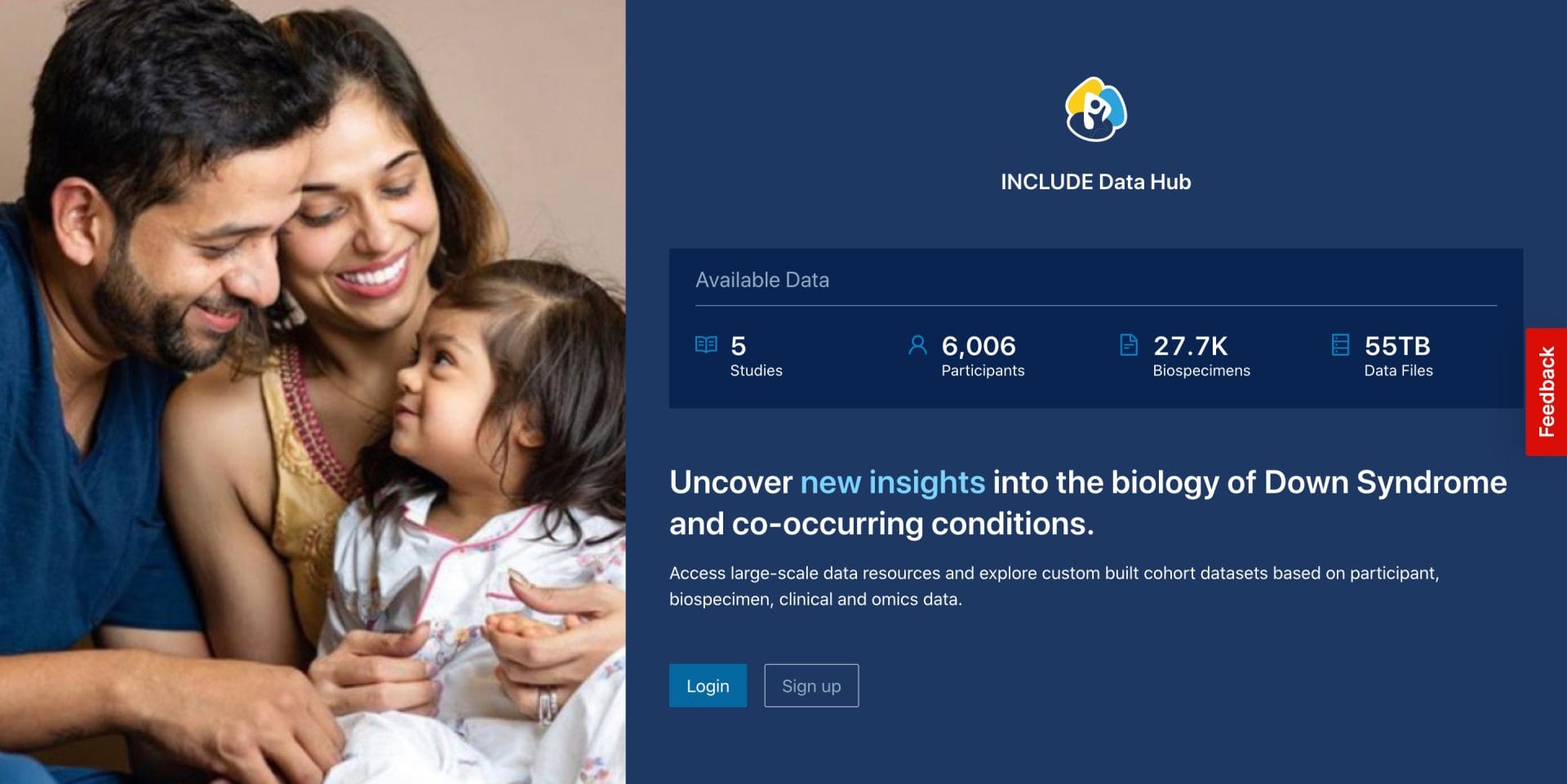
Creating an INCLUDE Data Hub Account
Before entering the Data Hub, you will be asked to Login with your INCLUDE Data Hub account. If this is your first time on the Data Hub, you can Sign up and create an INCLUDE account using one of two platforms.
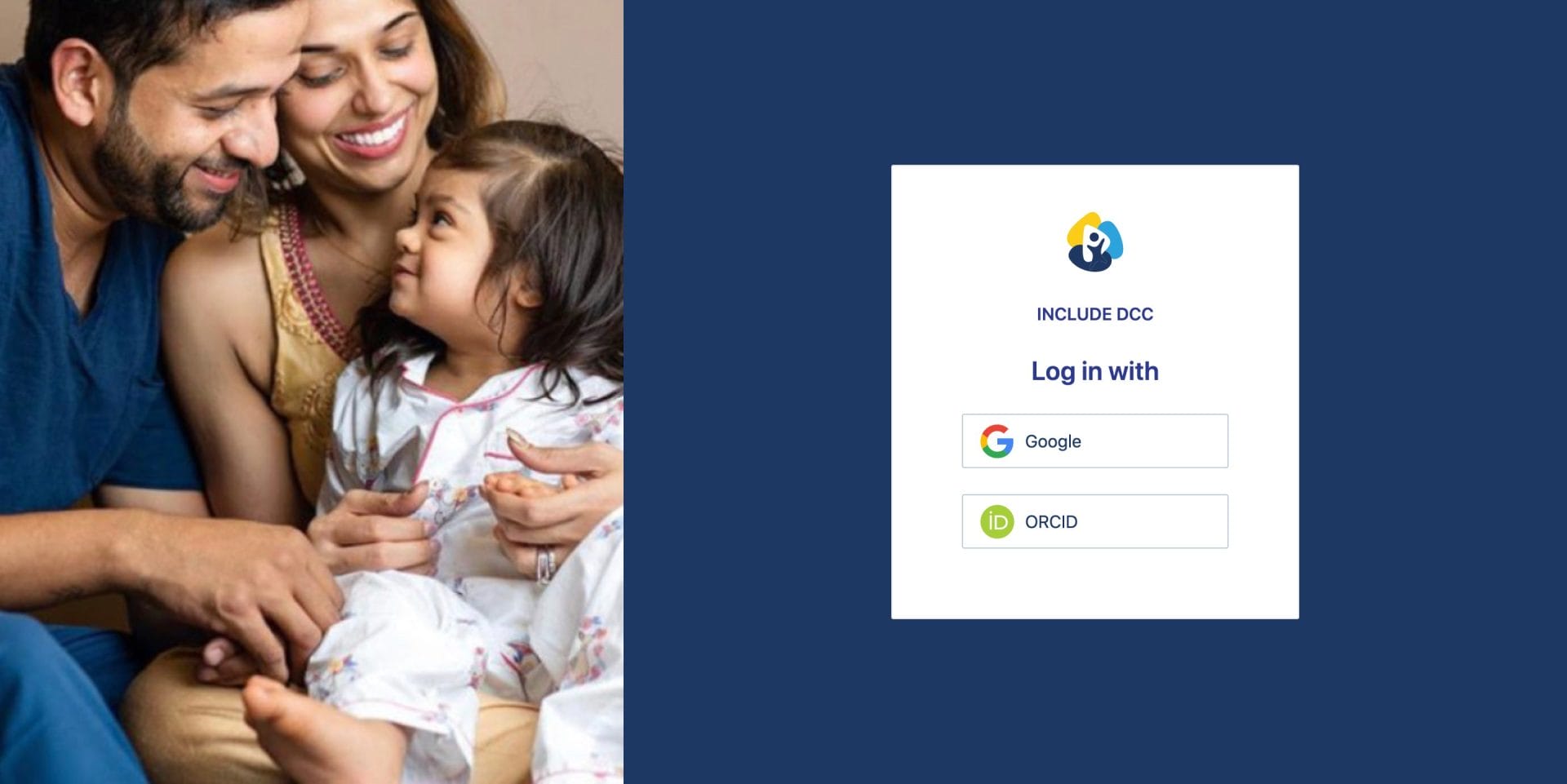
Sign in with Google (Recommended Method)
This method requires using either a Gmail or other Google-enabled email address, such as one that may be affiliated with a university or organization.
If your organization does not use Google and you do not wish to use a personal address, you can register existing email addresses with Google here. Be sure to select the option to “Use my current email address instead.”
Login with ORCID
To create an account using ORCID, first make sure that the INCLUDE DCC can view your ORCID. To do this, navigate to https://orcid.org/account and then click the button to Edit next to “Email and Notification Preferences”. In line with your email address, make sure that the selection is highlighted for Everyone or Trusted Parties.
Once this is completed, navigate back to the data hub sign-up page, and follow the prompts to sign up with your ORCID.
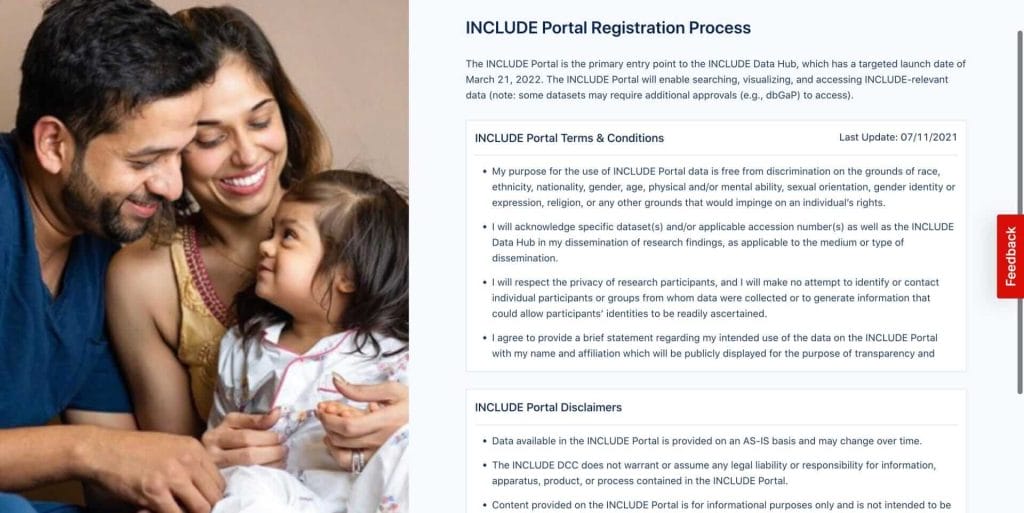
Agree to INCLUDE’s Terms and Conditions
Carefully read the INCLUDE Portal’s Terms and Conditions as well as Disclaimer statements. Once you have reviewed these, acknowledge your understanding by checking the boxes below and click continue.
Create Your INCLUDE Profile
Finally, tell us a little bit about yourself in your INCLUDE Profile. Your name, academic affiliation, and intended uses of the Data Hub will help the INCLUDE DCC better develop the DataHub and allow you to discover and connect with similar users.